Glitch Text Effect Maker
Animate your words with RGB split, slices and scanlines, then save a GIF, video or PNG. Free, in your browser.
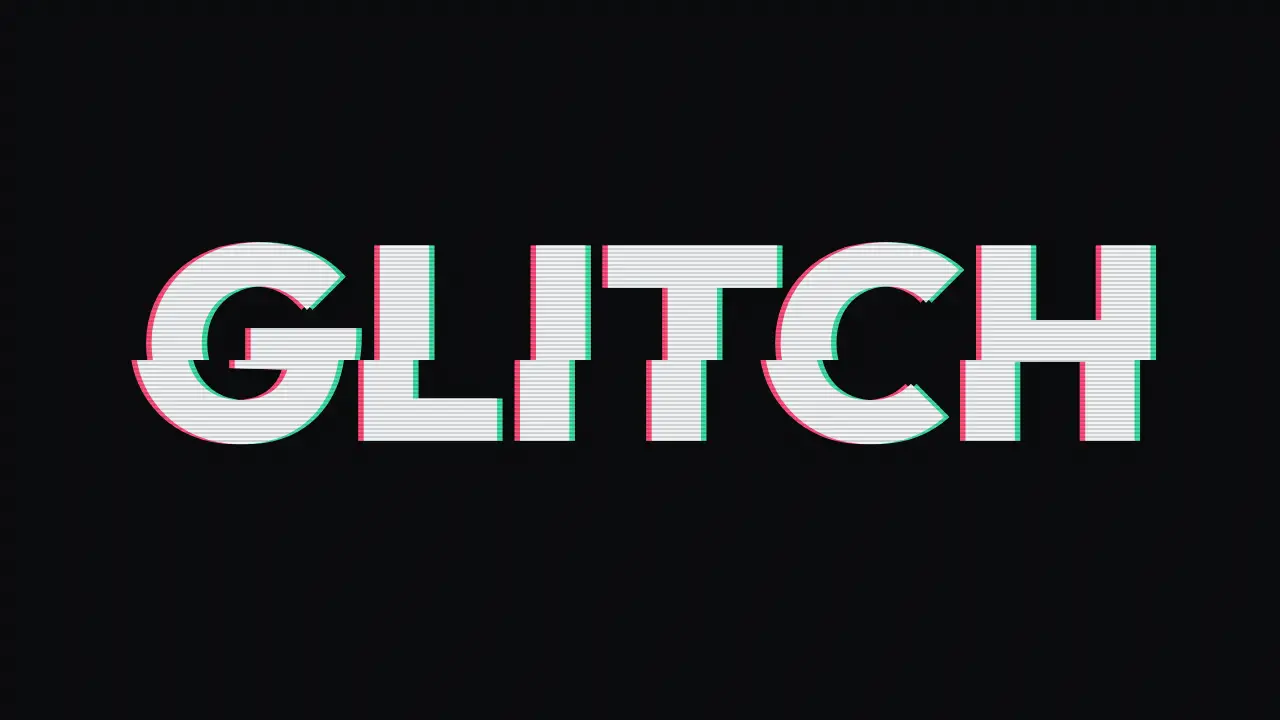
Nothing flashes more than 3 times a second. With reduced motion on, the preview stays still until you press Play.
Want copy-paste text instead of an image? The glitch text generator makes it from Unicode marks.
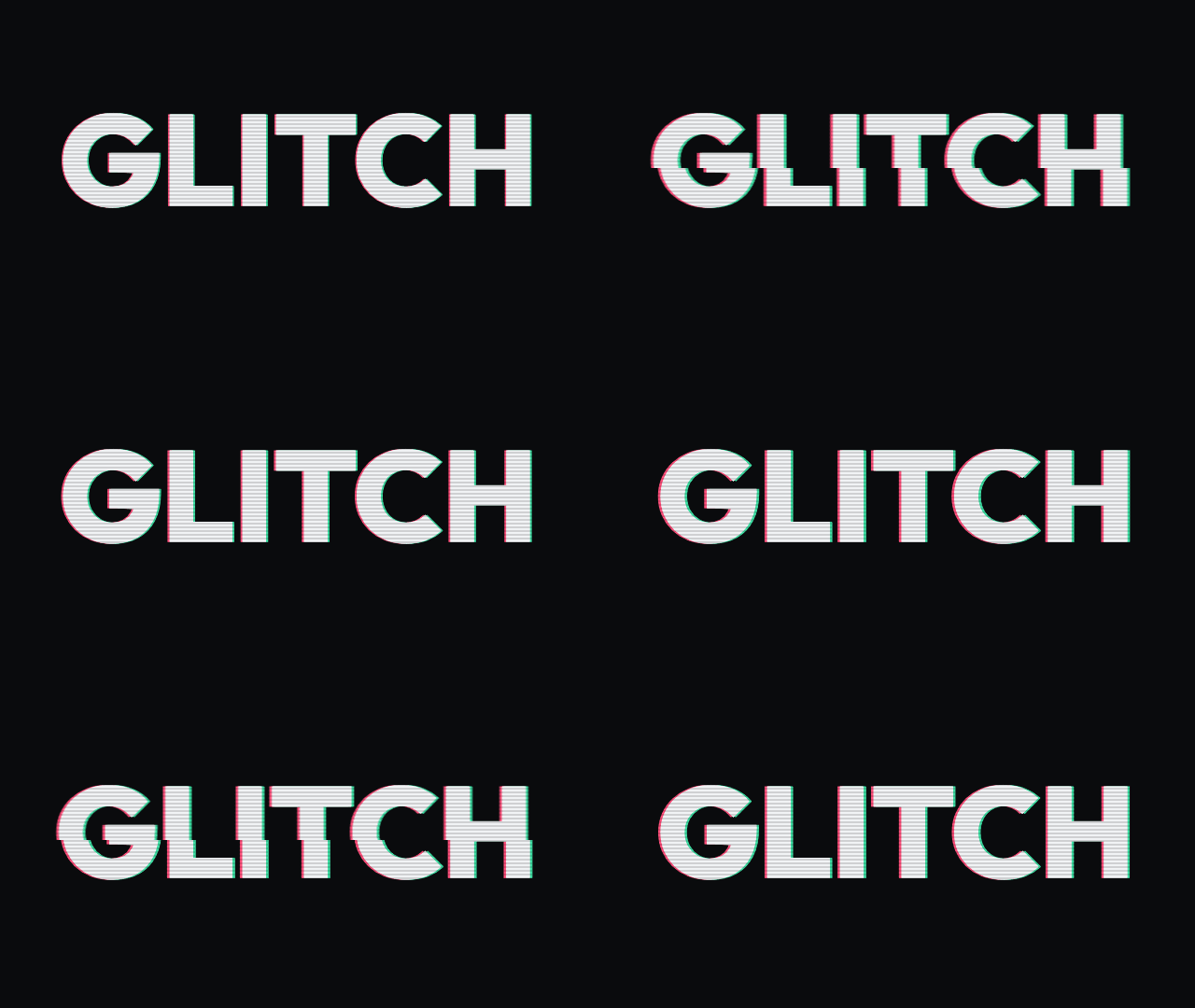
A glitch text effect is an animation that makes words look like a broken screen: colour channels pulled apart, slices shifting sideways and scanlines over the top. This free glitch effect maker draws it on a canvas in your browser and exports a GIF, because a GIF plays almost anywhere you can post an image.
GIF, video or PNG: which should you save?
| Format | Animated | Best for | Size |
|---|---|---|---|
| GIF | Yes | Chats, forums, most posts | 96 KB |
| WebM / MP4 | Yes | Video edits and stories, if your browser can record | 291 KB |
| PNG | No, one frame | Thumbnails and banners | 58 KB |
Sizes for "GLITCH" at 16:9 with the default settings, measured (video as MP4). GIFs are saved at up to 640 px on the long side.
Glitch text effect example
Glitch effect FAQ
How do I make a glitch text GIF?
To make a glitch text GIF, type your words, adjust the RGB split, slice jitter and scanlines, and pick a size. Then tap Download GIF. The GIF is made in your browser as one two-second loop, up to 640 pixels on its long side, so it stays small enough for chats and posts.
Can I save the glitch effect as a video?
You can save the glitch effect as a video when your browser can record a canvas. The tool picks MP4 or WebM, whichever your browser supports, and records one loop at full size. If neither works, the video button is hidden, and you can download a GIF or a PNG instead.
Does the glitch animation flash?
The glitch animation doesn't flash more than three times a second. It shifts colour channels and slices sideways instead of flipping the whole frame between light and dark. If your device asks for reduced motion, the preview stays still until you press Play, and you can pause the animation at any time.
What sizes can I export the glitch effect in?
You can export the glitch effect in three sizes. 16:9 is 1280 by 720 pixels, for video thumbnails. Banner is 1500 by 500, for profile headers. 9:16 is 1080 by 1920, for stories and short videos. PNG and video use the full size, while the GIF is scaled to 640 pixels.
Can I copy and paste the glitch effect?
You can't copy and paste the glitch effect as text, because the animation is a picture drawn on a canvas. Save it as a GIF, video or PNG, then upload it like any image. If you need text that looks glitchy when pasted, the glitch text generator makes it from Unicode marks.